For MikroTik Administrators
Set up LucidView directly on your MikroTik router.
If you manage a MikroTik router, you can set up LucidView yourself — no reseller, no waiting. Full content filtering, IPS, and reporting in minutes.
You already have a MikroTik router
LucidView runs on any MikroTik RouterOS device that has Internet traffic flowing through it.
Create your account & generate a config script
Log into the LucidView portal, set up your Enforcer profile, and download your custom config script.
Import the script into RouterOS
Paste or upload the script into your MikroTik. It does not interfere with your existing configuration.
You're live
Content filtering, IPS, and reporting activate immediately. Manage everything from the portal or the mobile app.
Free Trial
Free 2-week trial on any site
Start on any MikroTik site at no cost for the first two weeks, then continue on the pricing tier that fits your router.
| Tier | Price / Month | Typical MikroTik Hardware |
|---|---|---|
Micro | $0.96 | 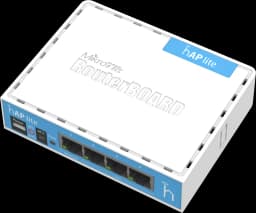 hAP lite 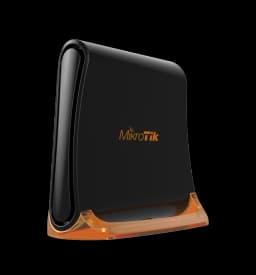 hAP mini 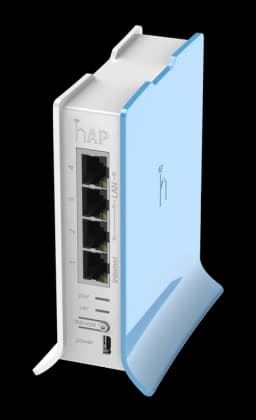 hAP lite TC |
Mini | $1.92 | 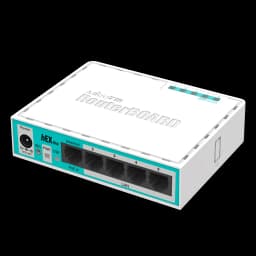 hEX lite 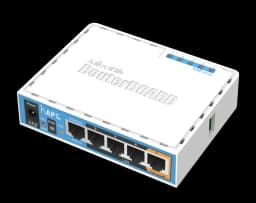 hAP ac lite 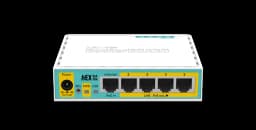 hEX PoE lite |
Small Business (a few hundred users) | $3.84 | Any MikroTik or VM running RouterOS |
Medium Business (a few thousand users) | $11.52 | Any MikroTik or VM running RouterOS |
Large Business (thousands of users) | $30.72 | Any MikroTik or VM running RouterOS |
Not a MikroTik admin? LucidView can still work for you through an ISP in your country.
